Send physical letters from Digipost
With Digipost Business you can send physical letters. Before you do so, the document needs to be prepared for printing. Here you will find an overview of the requirements you will need to follow and what happens to the letter when it gets printed.
How to prepare the document for physical letters
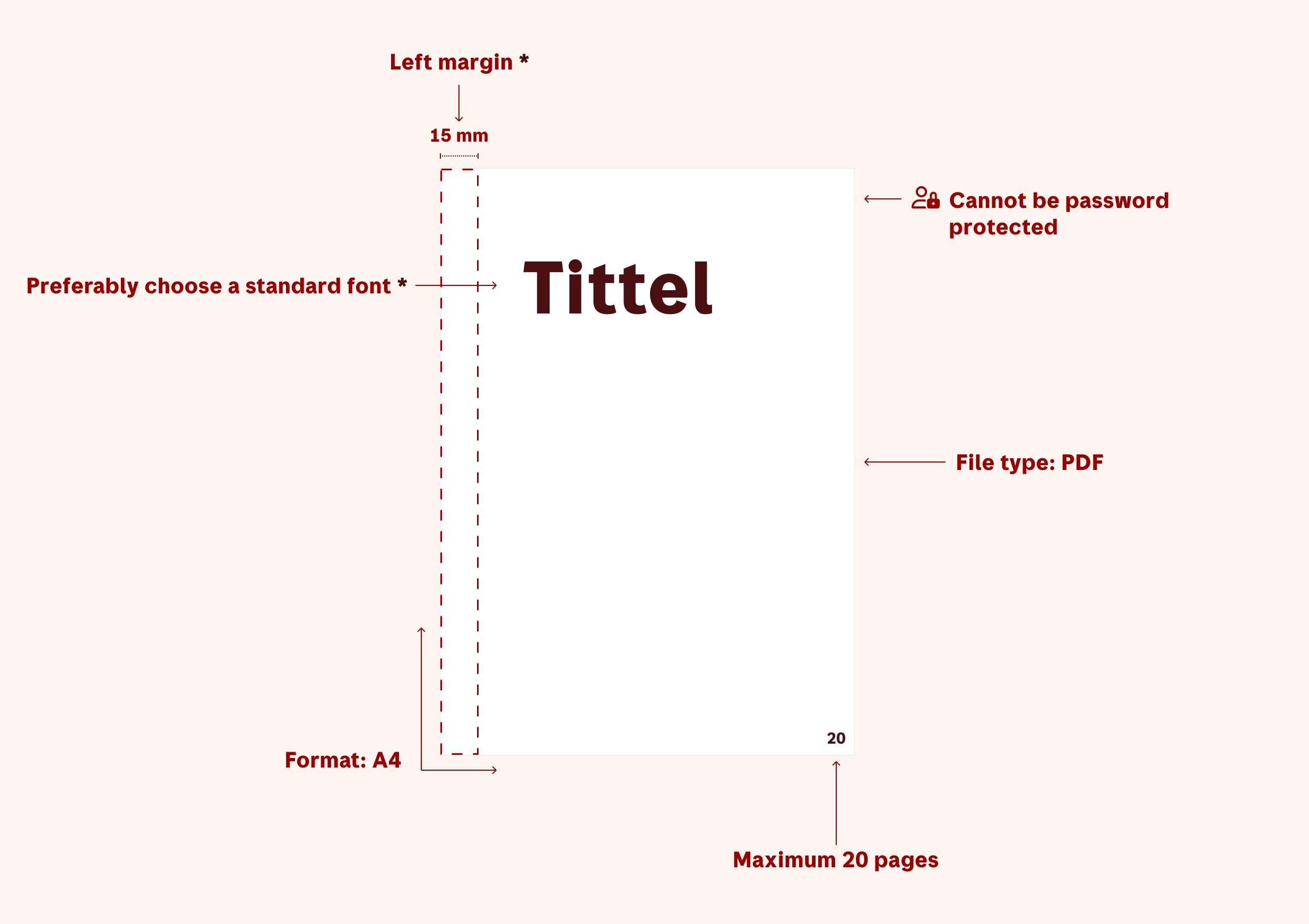
Portrait pages
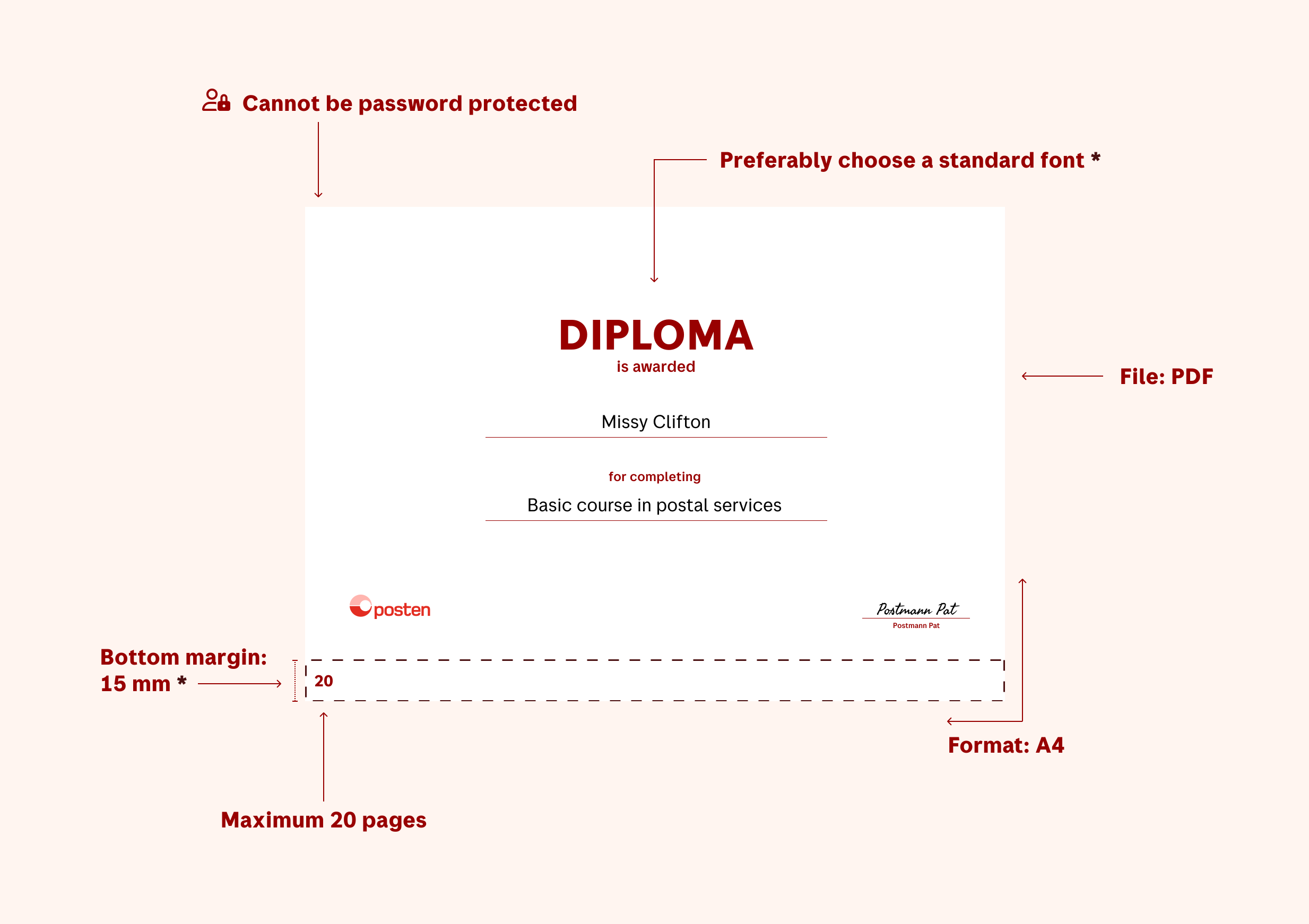
Landscape pages
Checklist
| Requirements | Details |
|---|---|
| File type | PDF (version 1.7 or lower) |
| Format | A4 |
| Amount of pages | Maximum 20 |
| Encryption | The file cannot be password protected |
| Margin | 15 mm* |
| Font | Use a standard font or make sure the font you are using is embedded in the PDF** |
** In most cases, fonts are automatically embedded in a PDF. If you want to use a different font, double-check that it is embedded. If not, it will be replaced with a default font
Practical info about the letter
How the document gets printed
- Double-sided
- 300 dpi resolution
- We generate a standard front page with correctly placed recipient and return addresses. The back of the front page is blank
- Physical letters submitted before 2:30 AM will normally be sent the next business day

What the envelope looks like
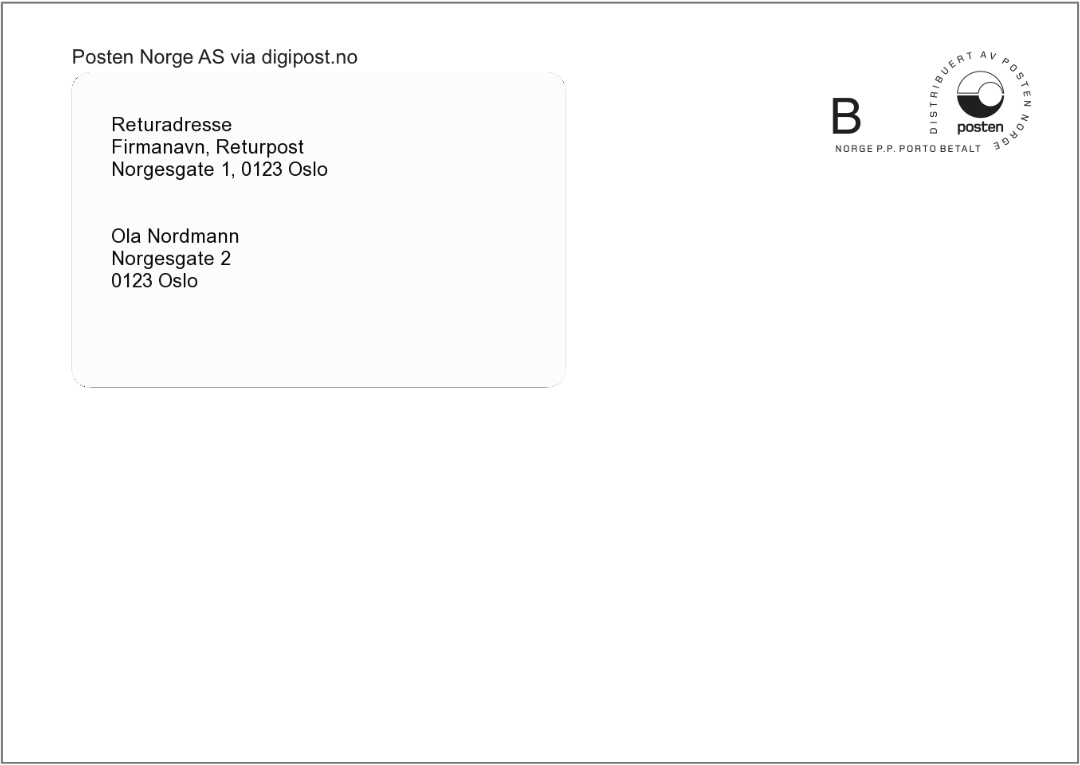
The letters will be sent in generic window envelopes that show the recipient and return address.