Secure sign‑in is now required for most advanced digital services, such as online banking, Helsenorge and NAV, to name a few.
Why is this important?
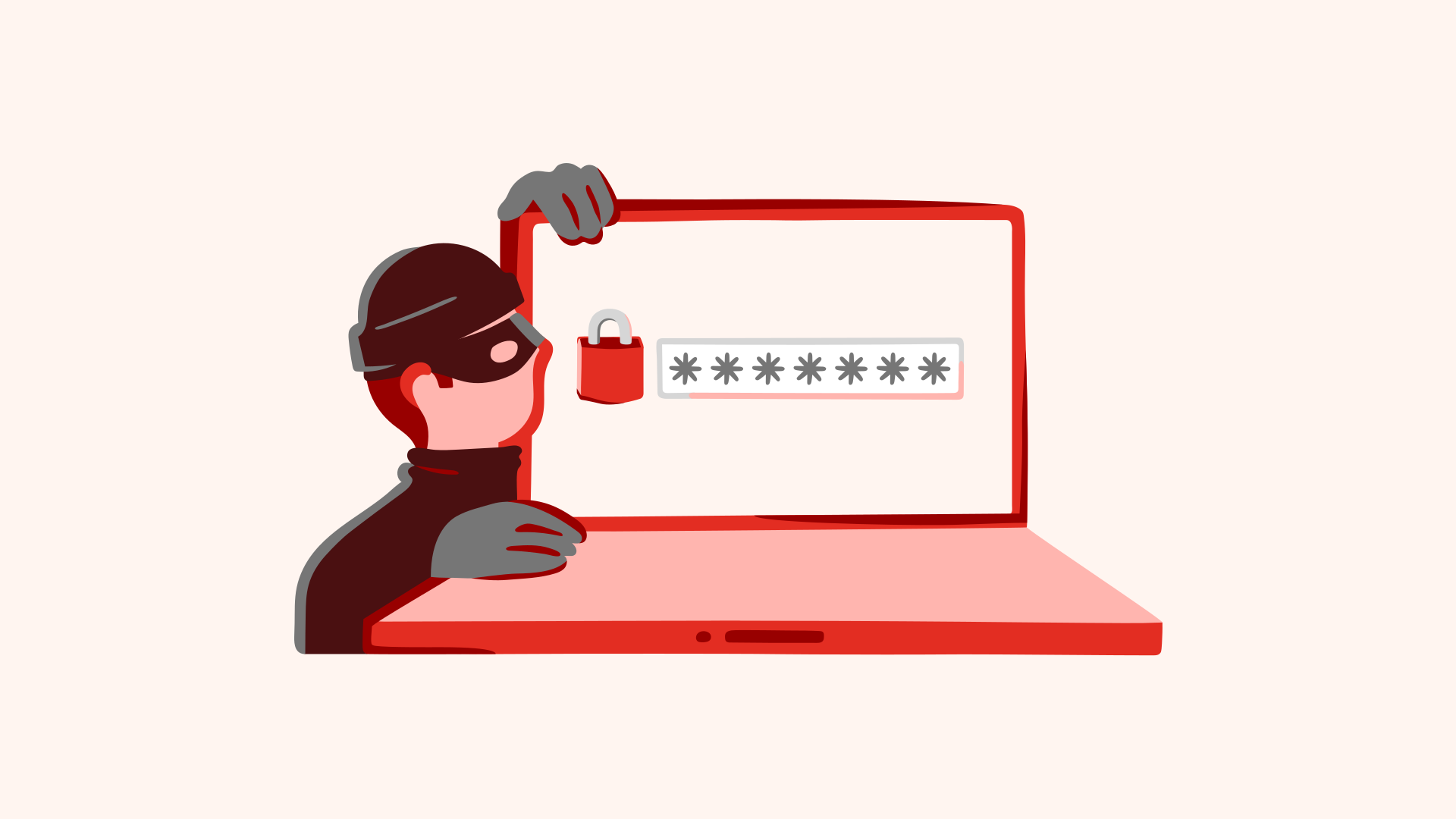
Because it helps prevent fraudsters from logging in as you to important services and stealing information about your finances, health, or other data that can be misused.
Secure sign-in options in Digipost
In Digipost, you can choose between three options at the highest security level, and one at the next highest level.At the highest level, you can use:
At the next highest level, you can use MinID.
Most senders require you to identify yourself at the highest security level to read their letters. If you previously used a password to log in, you still had to identify yourself with electronic ID to open letters.
The problem with passwords
Passwords used to be common, but today they are considered a weak sign‑in method. This is because many people create passwords they believe are unique and hard to guess.
In reality, passwords are often too simple, such as the names of children or pets, or even the word “password”. These passwords are easy to crack.
Passwords are also often stolen in server breaches, where login details and personal information can be shared online. This creates a high risk of misuse.
There are, of course, secure passwords. Long passwords that are almost impossible to crack. But experience shows that most people – especially the most vulnerable – choose simpler passwords they can remember.
Why is Digipost removing passwords?
Digipost is a service for everyone. It should work just as well for a grandfather aged 82 as for a software developer aged 28. That means it has to be simple, and it has to be secure.
That’s why, from 1 May 2026, we are removing passwords to strengthen security and give you a better user experience.
Tip
If you download the Digipost app, you won’t have to sign in every time you receive new mail. The app keeps you signed in for longer periods and can be opened easily using face recognition or fingerprint.